Product Information

Product Introduction
CamThink EK410 is 7.09″ six-color e-paper signage: show branded information, agendas and notices on a reflective, paper-like E Ink Spectra 6 panel, update content wirelessly, and run from a rechargeable battery for desktop or wall placement without a permanent power connection.
The panel is 1200 × 1600 (282 PPI) with black / white / red / yellow / blue / green; a full refresh takes about 25–35 seconds and suits low-frequency updates. Software is fully open source: upload from the browser Web UI, or use NeoMind. The MCU is ESP32-C61; after SoftAP web provisioning or NeoLinker BLE CT-Prov, configure Wi-Fi / MQTT, push layouts, set power policy and OTA in a browser. SoftAP and BLE share one firmware image and are mutually exclusive at runtime.
E-paper only draws power while refreshing; the last frame stays visible when powered off — update the sign without reprinting inserts.
Product Appearance
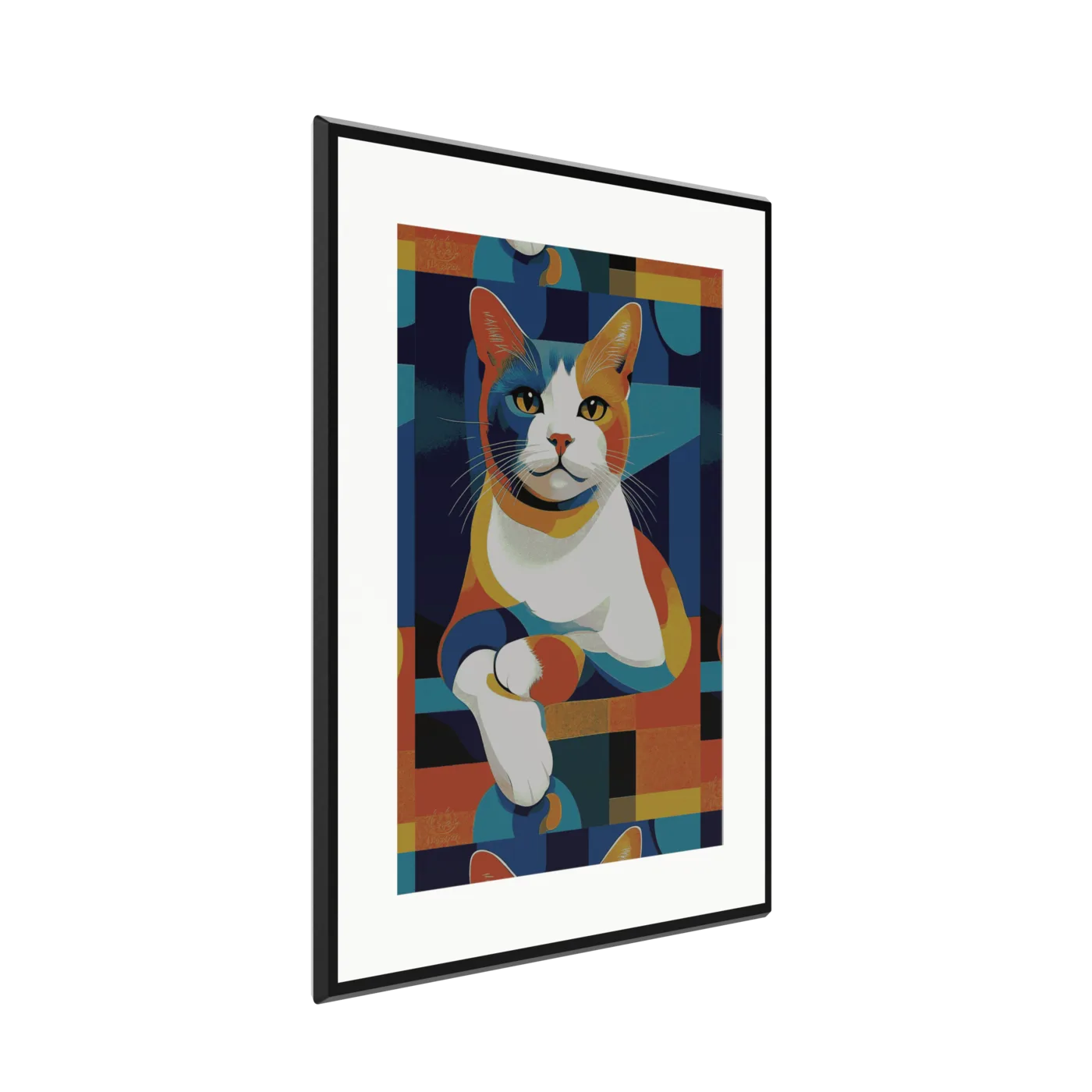
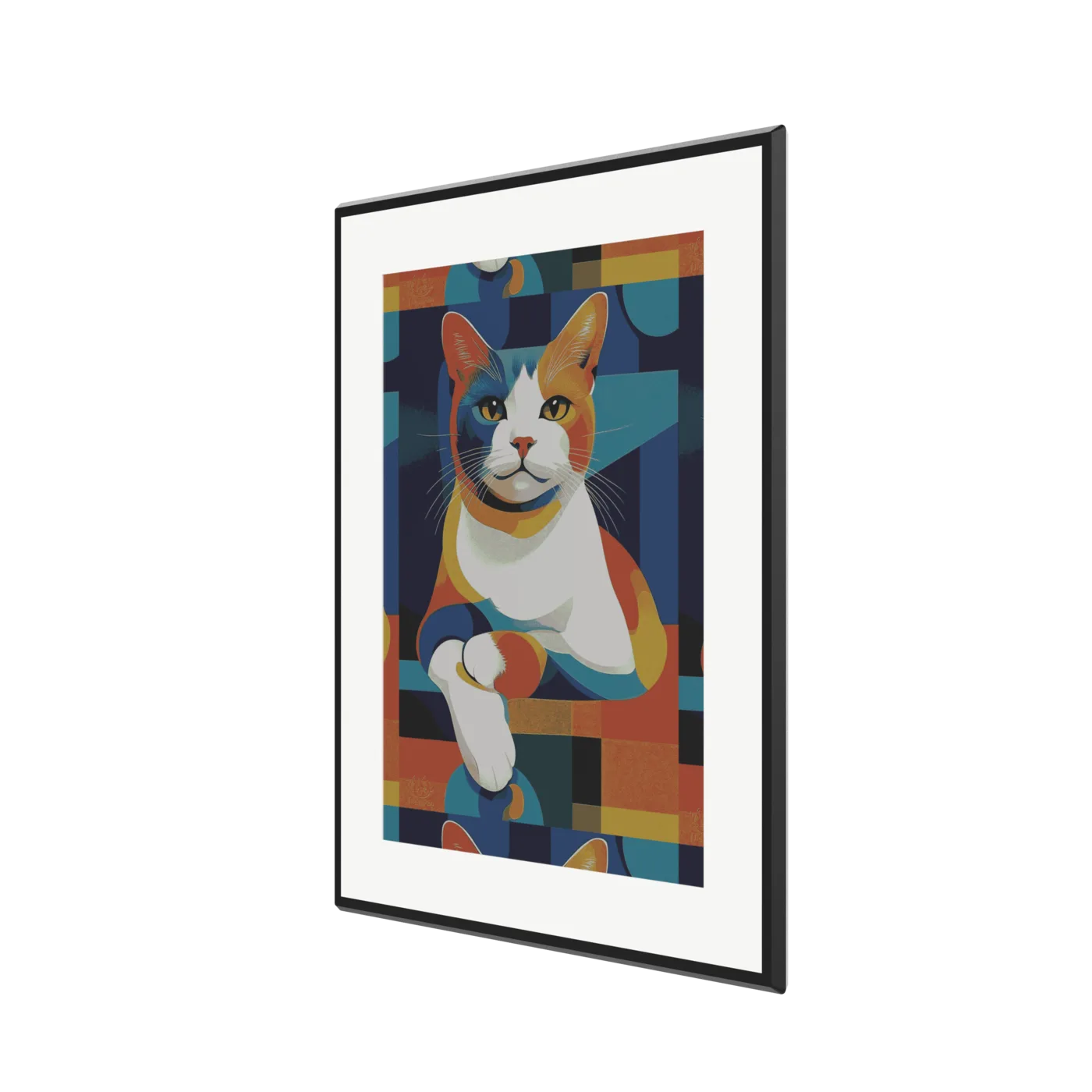
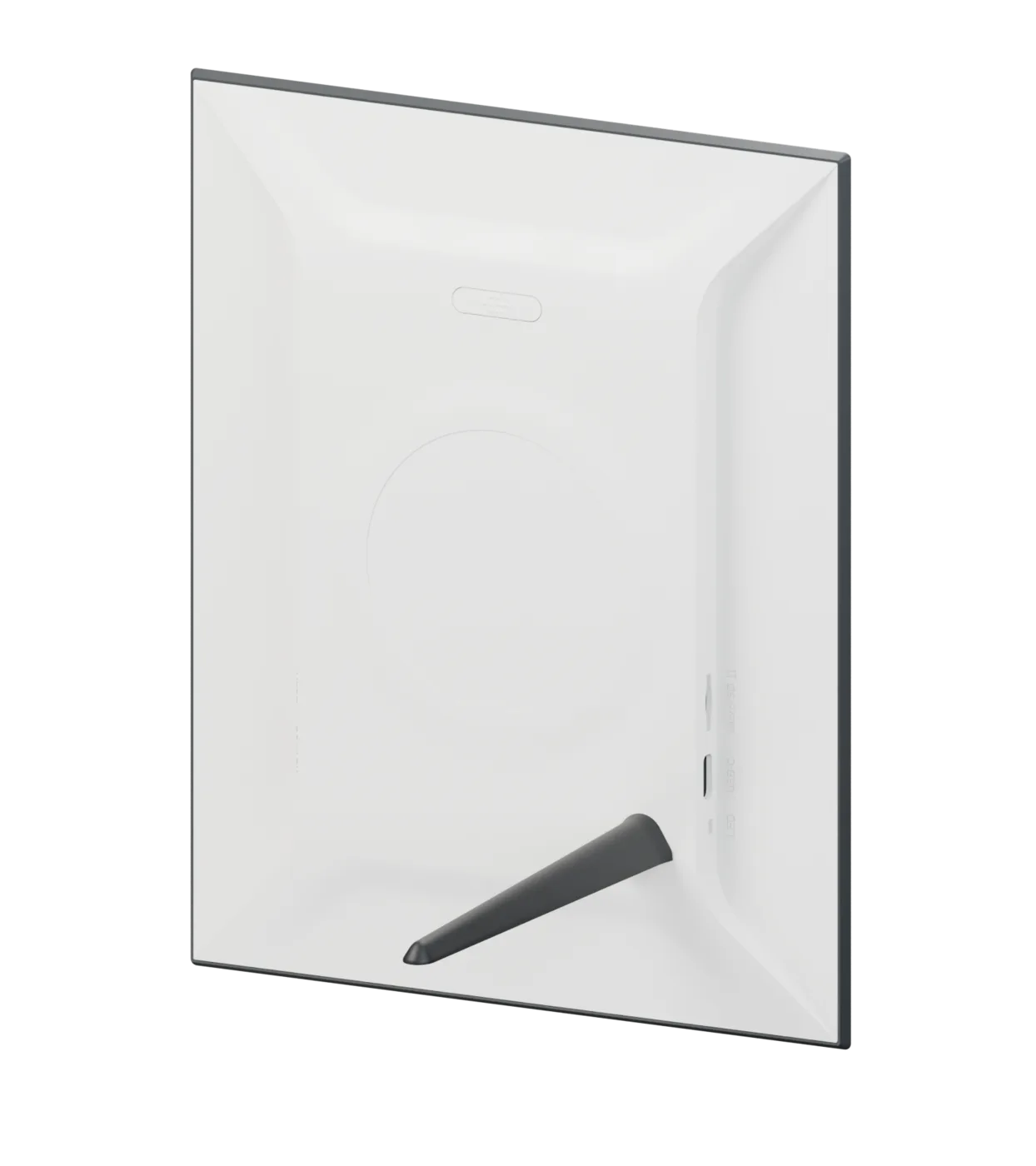
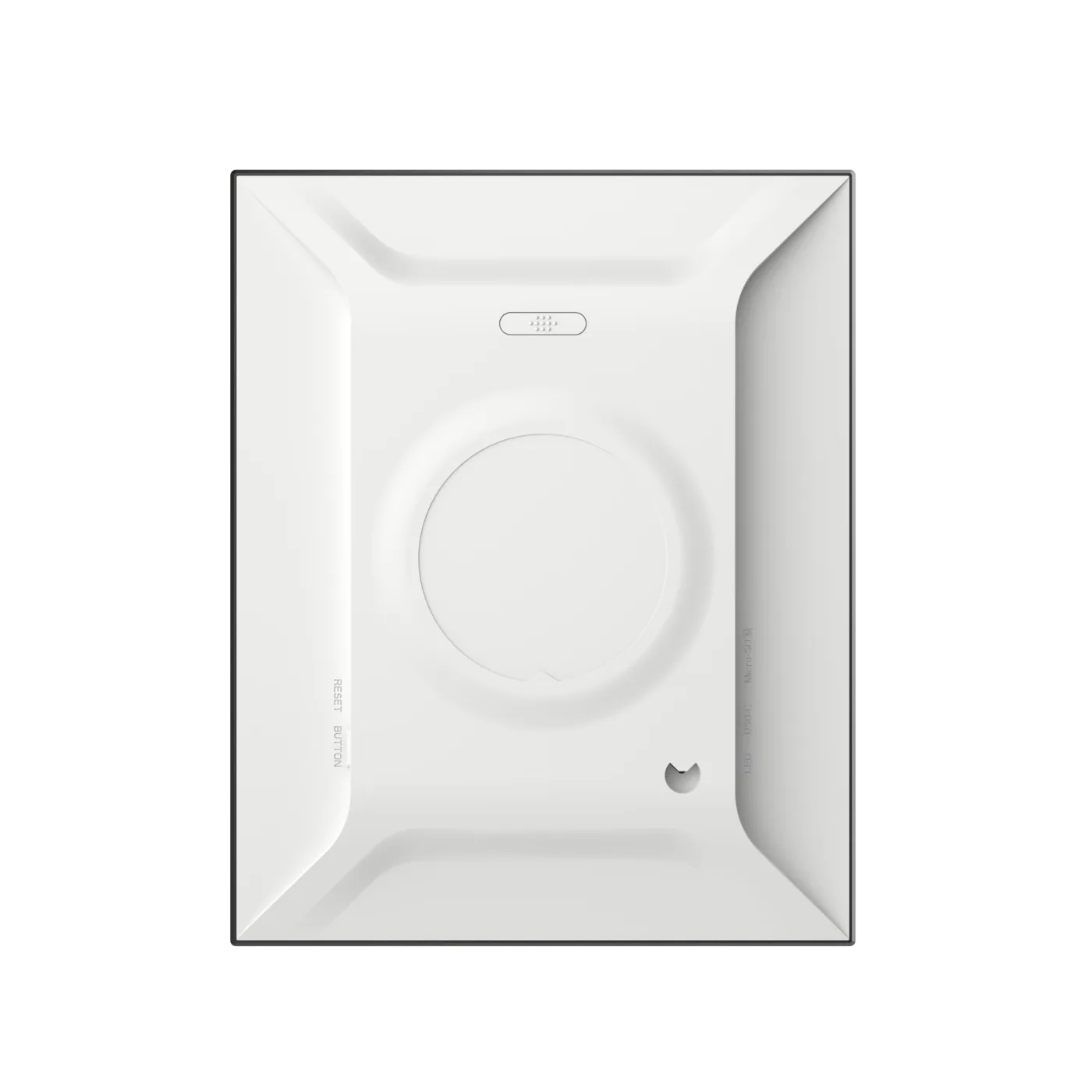
Display Effects
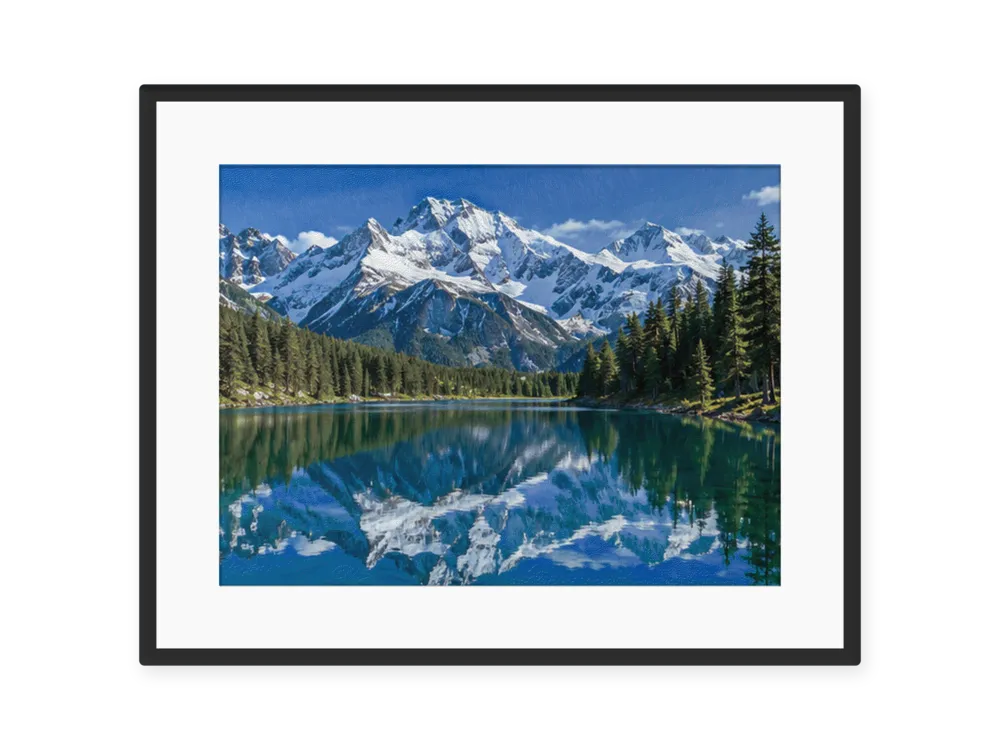
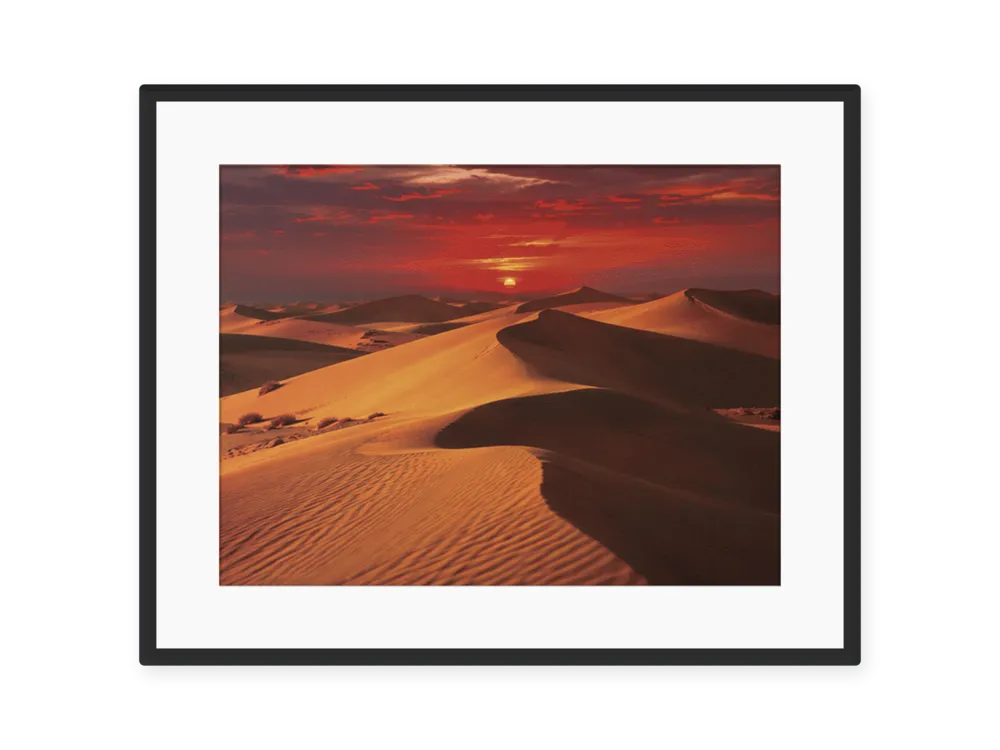
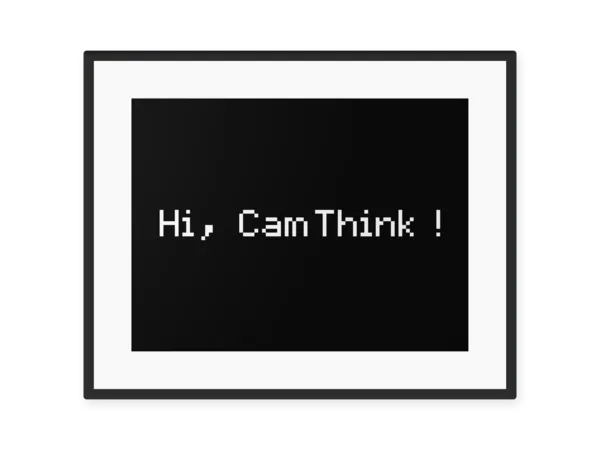
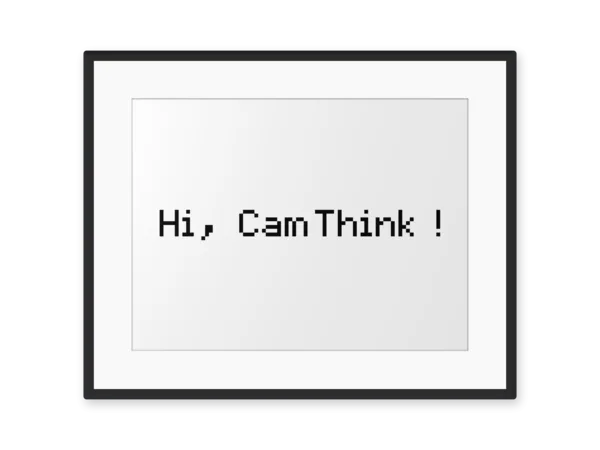
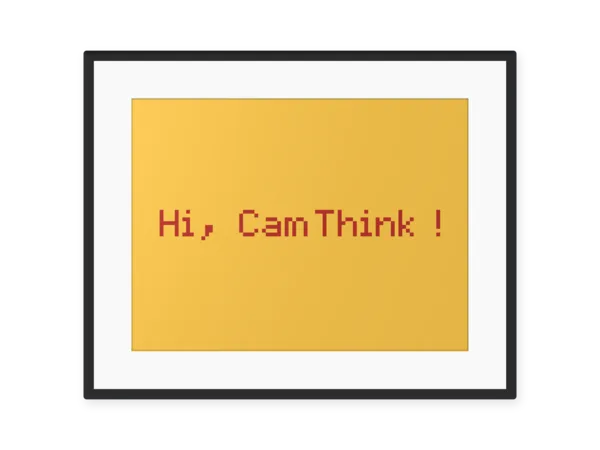
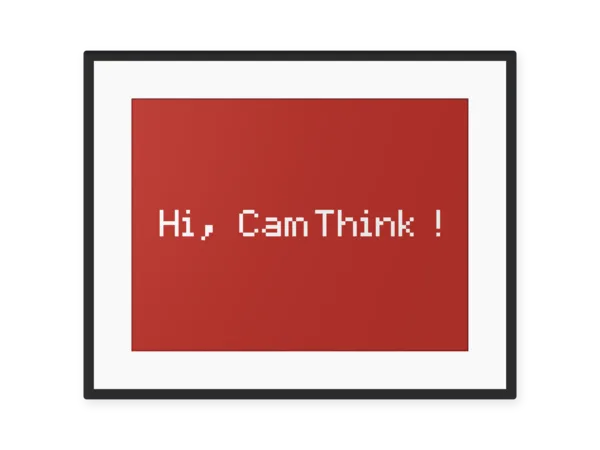
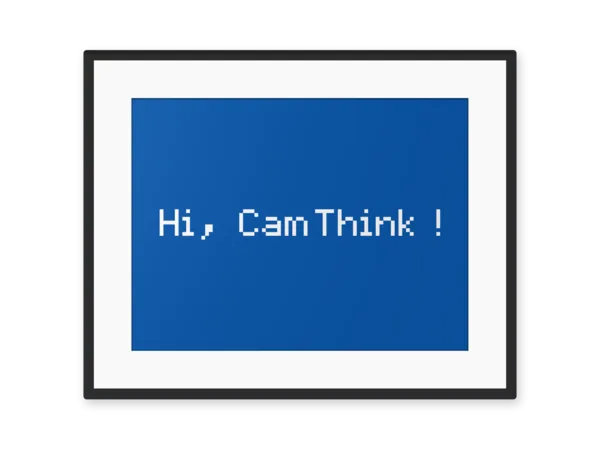
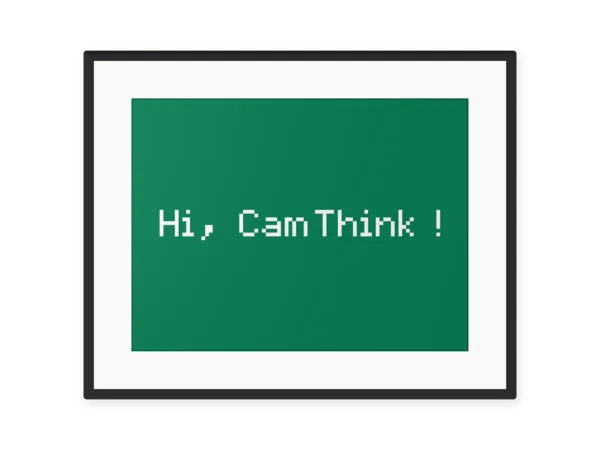
The E Ink Spectra 6 panel renders black / white / yellow / red / blue / green. The samples below are front-facing renderings (not live photos).


Key Capabilities
- Six-color e-paper: E Ink Spectra 6, 1200 × 1600 / 282 PPI, black / white / red / yellow / blue / green; reflective paper-like display that holds without power.
- Battery install, wireless updates: built-in 5000 mAh Li-polymer, USB Type-C charging; push content from the browser Web UI and reuse one unit across events and spaces.
- Dual provisioning: long-press MAIN for SoftAP + Web console; long-press PAGE for BLE CT-Prov (NeoLinker). Mutually exclusive in-process.
- Multiple content sources: local upload, image URL, canvas editor and Markdown, previewed in the browser before push.
- NeoMind / open source: device type
ek410_Eink; works with open-source NeoMind; firmware and Web UI at github.com/camthink-ai/EK410. - Power policy and OTA: always-on / scheduled refresh / hibernate; HTTPS OTA with dual-partition rollback.
Product Specifications
Unit specifications follow the CamThink product brochure; firmware details (partitions, GPIO keys, MQTT, etc.) follow the firmware repository and the Hardware / Software guides in this wiki.
| Category | Item | Specification |
|---|---|---|
| Display | Panel | E Ink Spectra 6 active-matrix EPD, six colors: black / white / red / yellow / blue / green |
| Size | 7.09″ (diagonal) | |
| Active area | 108 × 144 mm | |
| Resolution | 1200 × 1600 (H × V), 282 PPI | |
| Firmware canvas | Logical 1600 × 1200 (native 1200 × 1600, dual driver ICs) | |
| Frame format | 960000-byte native 4bpp, 2 pixels per byte | |
| Full refresh | About 25–35 s | |
| Mechanics & power | Dimensions | 185 × 149 × 14 mm |
| Net weight | 0.28 kg | |
| Mounting | Desktop support rod or wall mount | |
| Battery | Built-in rechargeable Li-polymer, 5000 mAh | |
| Battery life | Up to ~6 months (1 update per day estimate; actual life varies) | |
| Charging | USB Type-C | |
| Operating temperature | 0–50 °C | |
| Storage | −20–60 °C, 30–90% RH | |
| Controller & interfaces | MCU | ESP32-C61HR2, RISC-V, 160 MHz |
| Flash / PSRAM | 16 MB / 2 MB | |
| Wireless | Wi-Fi 6 (802.11ax); BLE 5.0 (firmware SoftAP / STA on 2.4 GHz; brochure band list subject to delivered hardware) | |
| Memory card | MicroSD (TF) | |
| Buttons | Power / Reset / Switch (firmware: MAIN / PAGE / BOOT / RESET — see Hardware Guide) | |
| USB | Type-C charging; CH340 USB-UART for development | |
| Cloud | NeoMind, device type ek410_Eink | |
| Local config | SoftAP + Web console (http://192.168.4.1); NeoLinker CT-Prov | |
| Package | E-paper display | × 1 |
| Support rod for desktop use | × 1 | |
| USB Type-C charging cable | × 1 | |
| User manual (digital) | × 1 |
Display Update Principles
E-paper has no continuous playback: a refresh request triggers one full refresh (~25–35 s); afterward the image is held at zero power until the next request. The three work modes only decide when the device is awake to accept requests — they do not change the “native frame → full refresh” display core.
1. How content becomes a panel (all modes)
| Path | Typical use | Notes |
|---|---|---|
| Browser path | SoftAP / LAN console; Image upload or Editor / Markdown push | Six-color done in the browser; device receives a native frame — usually fastest |
| Device path | MQTT display_url, Timed-refresh wakeUrl, some URL fetches | On-device decode; no WebP; Quality / Speed under System → URL image applies |
2. Combined logic across the three work modes
Work mode lives under System → Work mode (Always on / Timed refresh / Hibernate). The diagram ties wake / push / sleep to the display core above:
| Mode | Display-related behavior | Typical use |
|---|---|---|
| Always on | Always awake; anytime Web / MQTT push; hold after refresh | Debug, frequent edits, MQTT always online |
| Timed refresh | Wake → optional wakeUrl refresh → push during wakeSec → sleep sleepMin → loop | Signage: new art every N minutes, lower power |
| Hibernate | Deep sleep holds art; no timer wake; MAIN / PAGE only, then push | Rare updates, maximum battery life |
- SoftAP up: usually stays awake;
Sleep nowis refused. - Full refresh in progress: new push returns busy until the ~25–35 s job finishes.
- Only a successful user refresh writes
lastfrm; SoftAP guide / boot logo do not.
Steps and fields: Power management. MQTT display commands: MQTT Protocol.
NeoMind Platform Integration
After Wi-Fi and MQTT are configured, the device appears in the NeoMind device list (pending approval). Once approved you can:
- receive periodic telemetry (RSSI, battery, heap, firmware version, …);
- clear the panel, render text / canvas, pull a URL image, sleep or reboot via downlink commands;
- use platform rules or agents to call
display_urlwhen content changes.
Topics and command formats: MQTT Protocol.
Product Applications
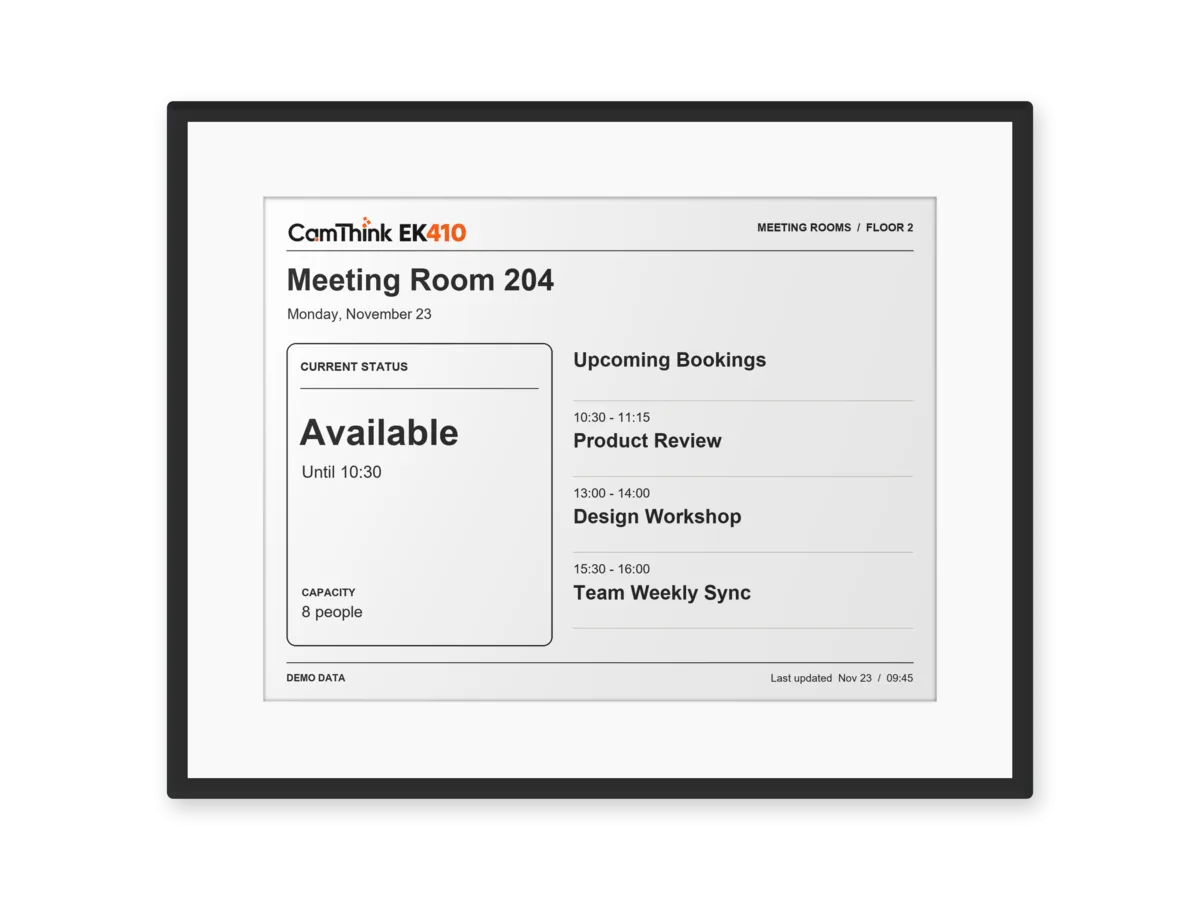
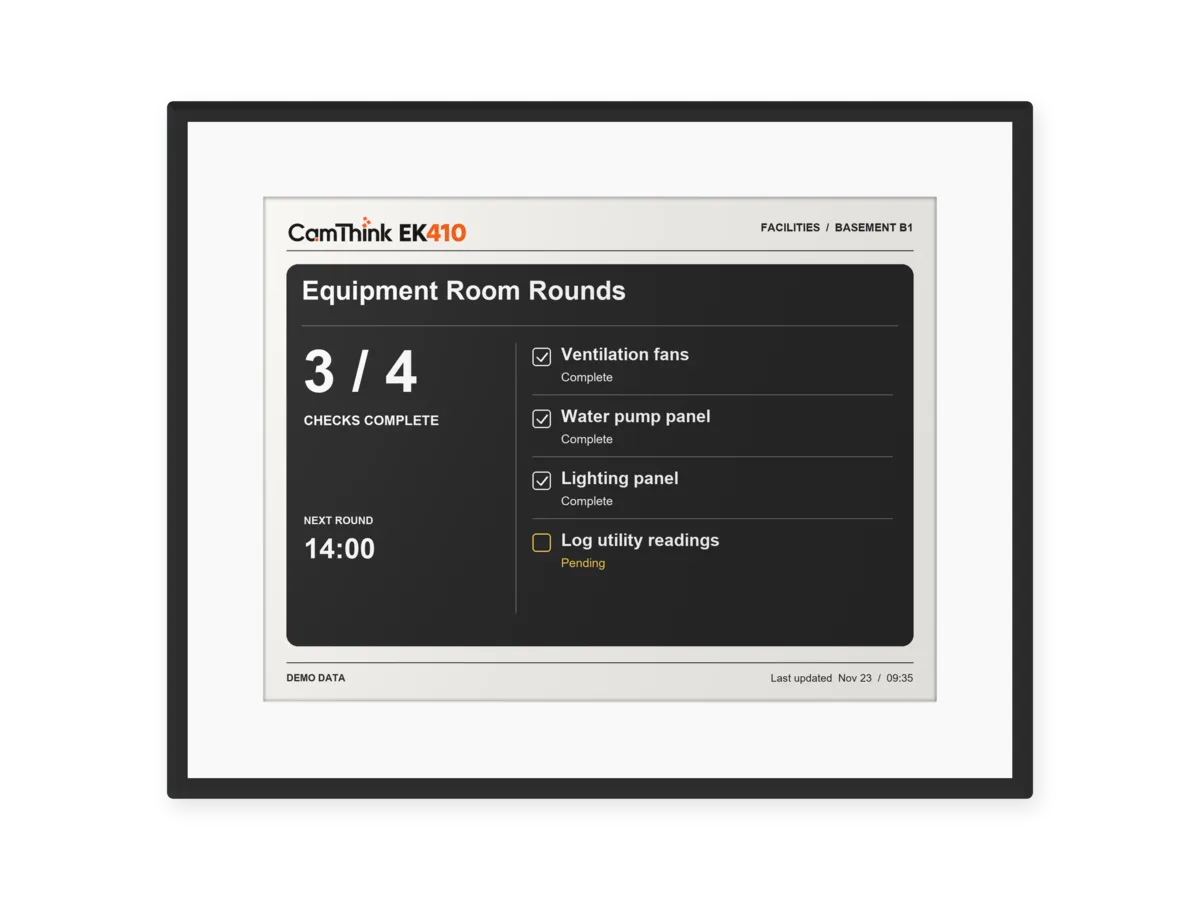
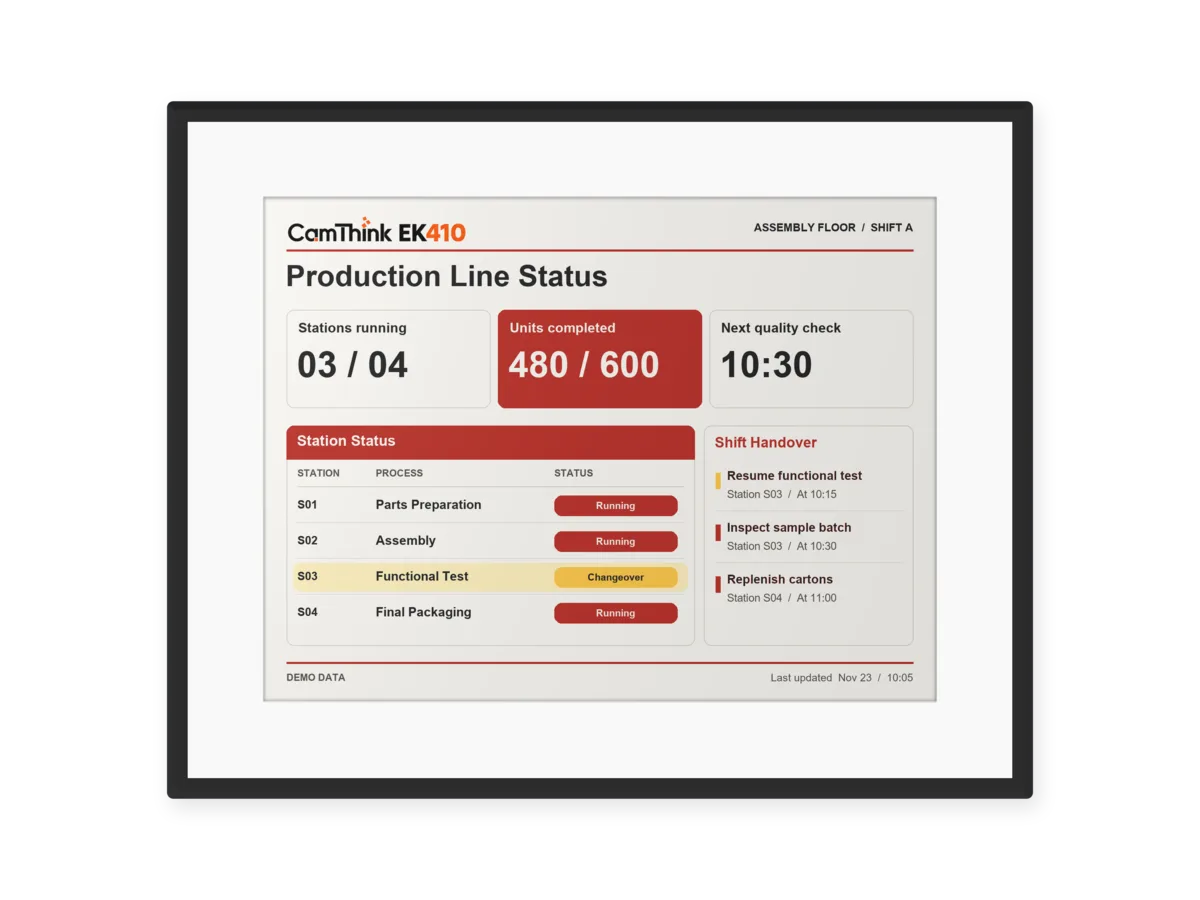
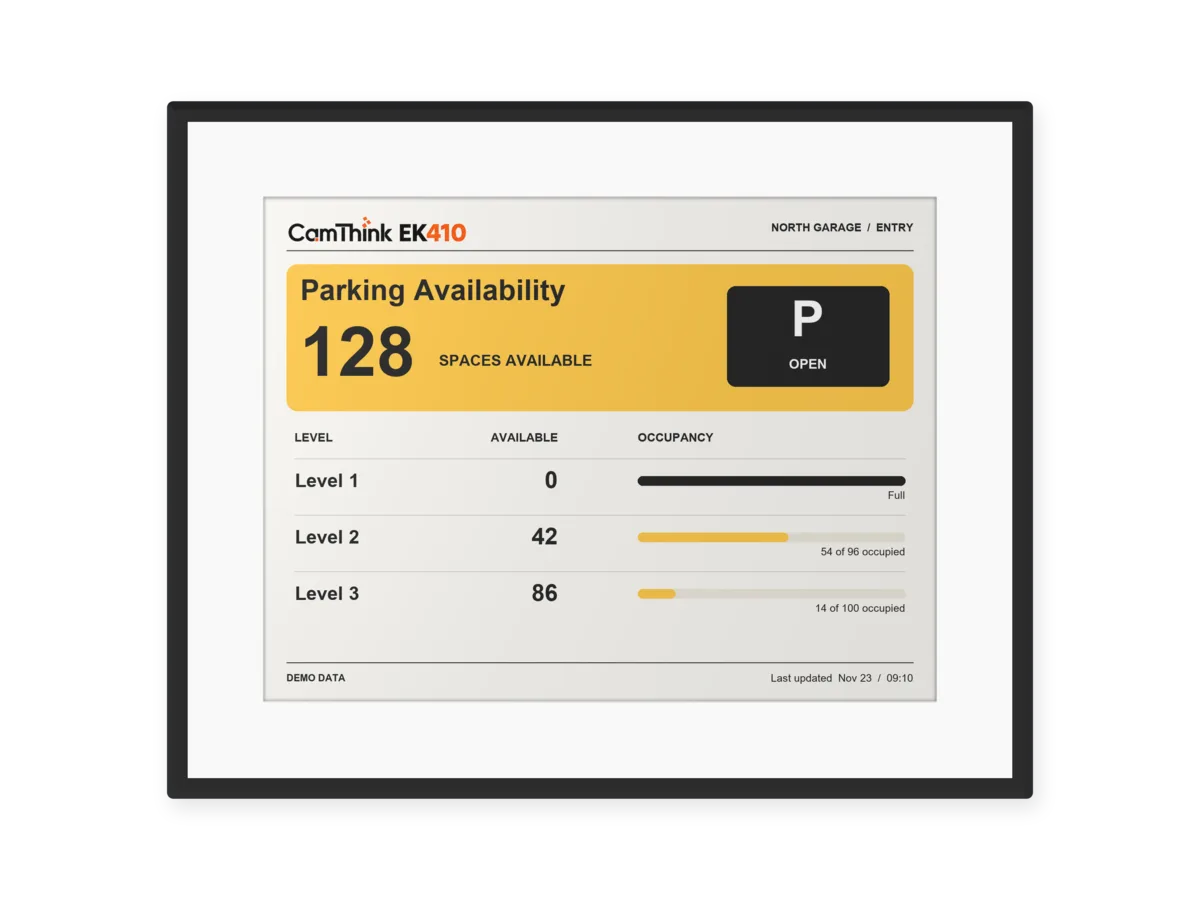
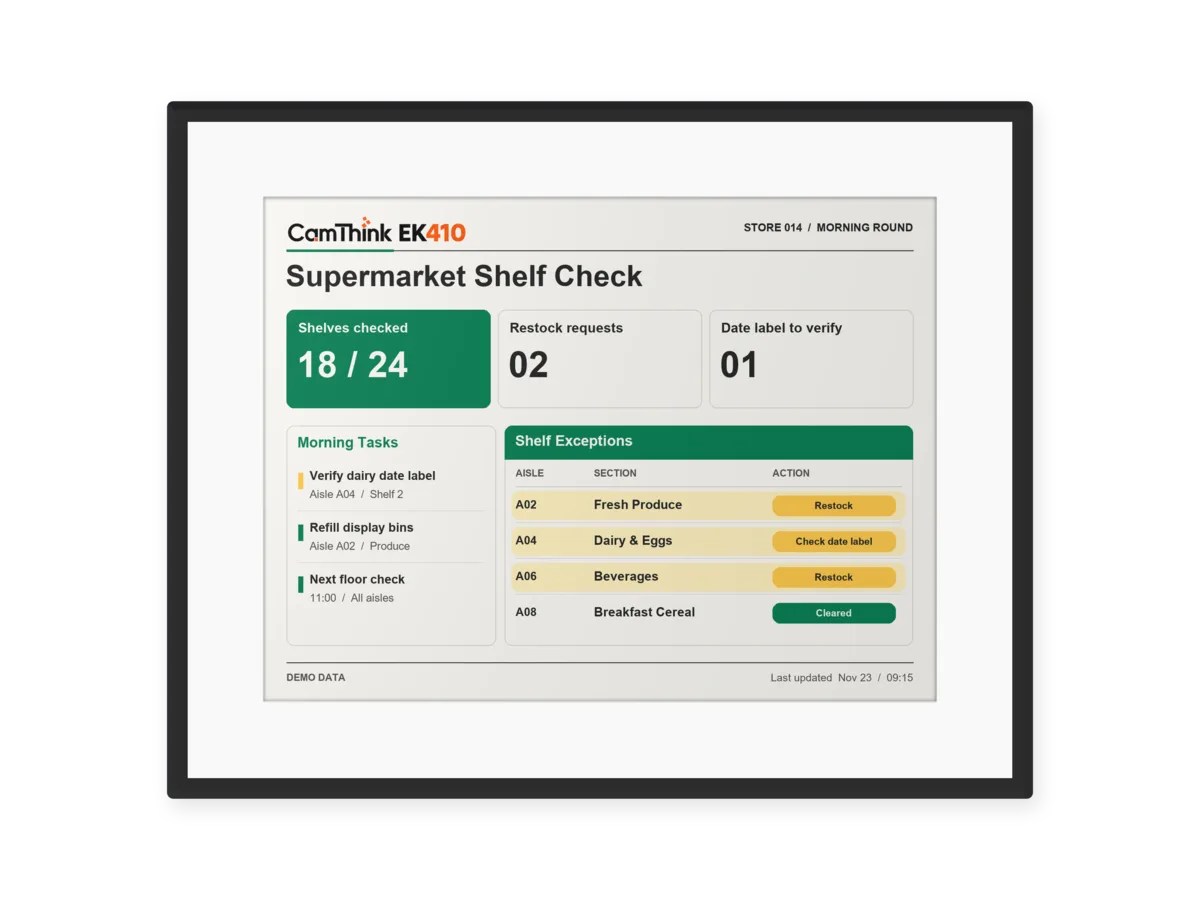
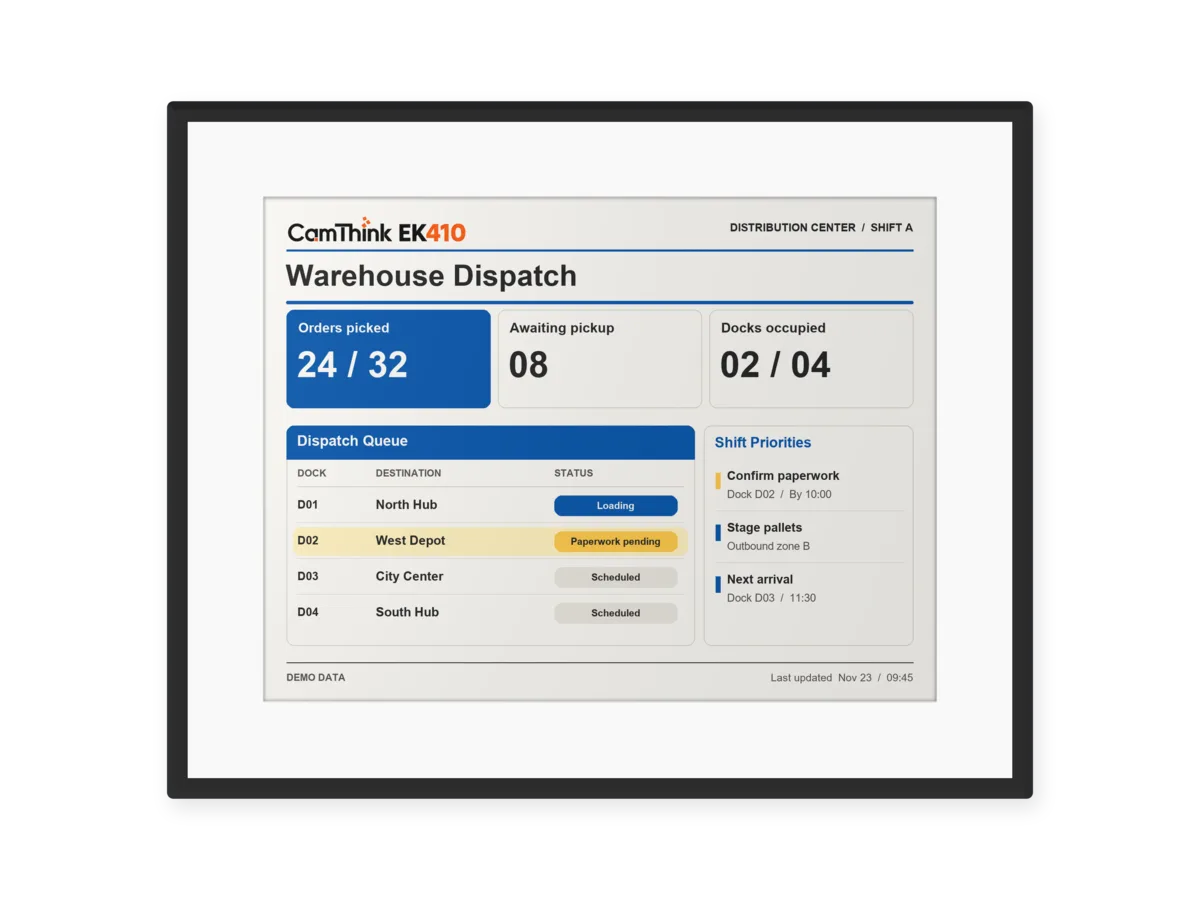
EK410 targets indoor commercial signage: information that changes between sessions, events or campaigns; battery operation for sites without permanent power; wireless updates instead of reprinting inserts. Examples below (with scenario renderings) — validate refresh rate and power before production.
Typical uses: offices and commercial spaces; meetings, events and exhibitions; boutique retail and branded counters; hospitality, campuses and public spaces. Update via the Web console or NeoMind rules.
Offices & commercial spaces
Meetings, events & exhibitions
Retail & public spaces
Product Resources
Wiki Guides
- Quick Guide: power on, provision and push the first image.
- User Guide: provisioning, display, power and maintenance.
- Hardware Guide: specs, keys, LEDs and partitions.
- Software Guide: ESP-IDF setup, build and flash.
Technical Support
When reporting issues, include the firmware version (System page in the Web console), reproduction steps and redacted logs. Do not put Wi-Fi passwords, MQTT credentials, MAC addresses or serial numbers in tickets, screenshots or public docs.

