Person Detection
本文使用 neoruntime-apps/examples/person-detection,完成一个最小的容器化人员检测应用:订阅原始视频流,调用设备上的 person-detection 模型,发布检测事件,并在设备支持时触发白光。
完整代码、清单和 Dockerfile 见 Person Detection 示例目录。本文只保留能让你跑通示例的步骤。
1. 目标与前提
完成后,应能看到人员检测结果,并收到 app/person-detection/detection 事件。
开始前确认:
- NE503 Web Console 可访问;
person-detection模型已在设备上可用;- 已准备 Docker、Git,以及可访问
neoruntime-apps和 PyPI 的网络环境。
2. 关键配置
以下值来自仓库中的 app.yaml 和 Python SDK 使用示例:
| 项目 | 当前值 | 用途 |
|---|---|---|
| SDK 模块 | neoruntime_ipc_sdk | PyPI SDK 在 Python 代码中的导入模块 |
| 视频权限 | third.raw | 原始视频流权限 |
| 订阅流 | third | InferenceClient.subscribe() 使用的流名 |
| 模型 ID | person-detection | 设备上必须可用的模型 |
| 检测阈值 | 0.7 | 清单注入的人员置信度门槛 |
| 告警主题 | alerts/detection | 按 ALERT_COOLDOWN_SECONDS 限制发送频率 |
模型或流名不同时,先按设备实际值同步修改 app.yaml 和 app.py。
3. 获取并构建应用
3.1 获取源码并检查清单
克隆应用仓库:
git clone https://github.com/camthink-ai/neoruntime-apps.git
cd neoruntime-apps/examples/person-detection
如果要在宿主机直接运行 Python 示例,安装 PyPI 中的 SDK。安装包名是 neoruntime-ipc-sdk,代码中的导入模块为 neoruntime_ipc_sdk:
pip install neoruntime-ipc-sdk
from neoruntime_ipc_sdk import InferenceClient
示例清单至少要包含以下权限和参数:
permissions:
  video:
    - third.raw
  inference:
    models:
      - person-detection
    max_qps: 30
    max_concurrent: 2
    allow_register_model: false
  events:
    publish:
      - app/person-detection/*
      - alerts/detection
  device:
    light: true
    ir_cut: true

env:
  - name: DETECTION_THRESHOLD
    value: "0.7"
  - name: ALERT_COOLDOWN_SECONDS
    value: "5"
  - name: LOG_LEVEL
    value: "INFO"
完整字段见仓库中的 app.yaml。allow_register_model: false 表示设备必须先提供 person-detection 模型。
3.2 构建 ARM64 包(进阶)
设备使用 ARM64 镜像。从 GitHub 源码构建属于进阶路径;当前上游构建流程以 neoruntime-apps README 为准,可能仍需要同级 SDK 源码和本地 wheel。默认 SDK 安装命令仍为 pip install neoruntime-ipc-sdk;SDK API 参考见 neoruntime-sdks Python API 文档。
4. 安装与启动
4.1 安装
在 Web Console 中进入 App Management,导入 person-detection.aipc,然后点击 Install。
如果使用设备终端,可先解压包,再按仓库脚本输出的方式安装 app.yaml 和 image.tar:
unzip -o examples/person-detection/person-detection.aipc \
  -d /tmp/person-detection
cd /tmp/person-detection
aipc-cli app install app.yaml image.tar
4.2 启动
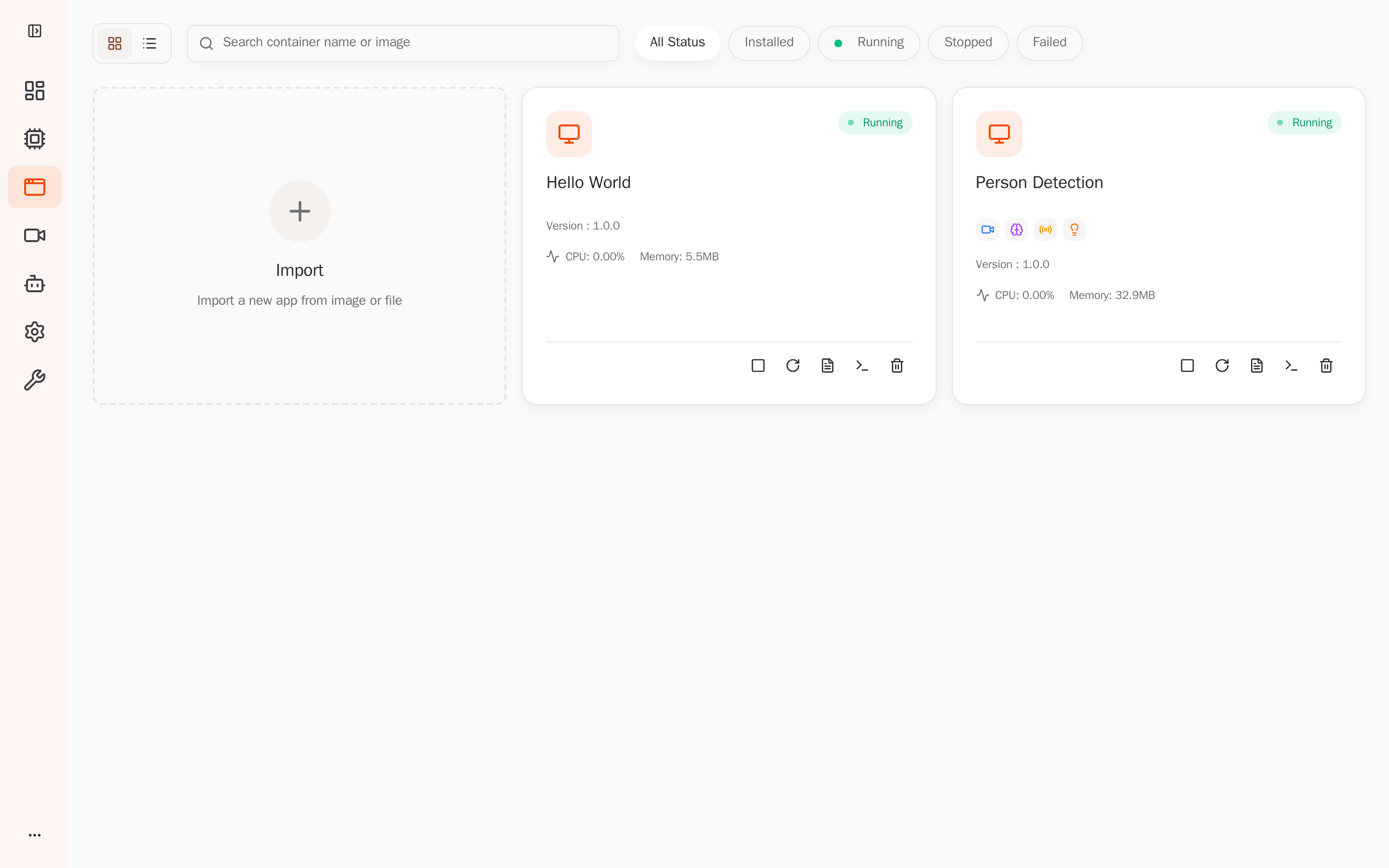
在 App Management 中找到 person-detection,点击 Start,等待状态变为 Running。
5. 验证结果
5.1 验证应用状态和权限
在应用详情页确认:
- 状态为 Running;
- 视频权限为
third.raw; - 模型权限包含
person-detection; - 事件发布权限包含
app/person-detection/*和alerts/detection。
5.2 查看日志
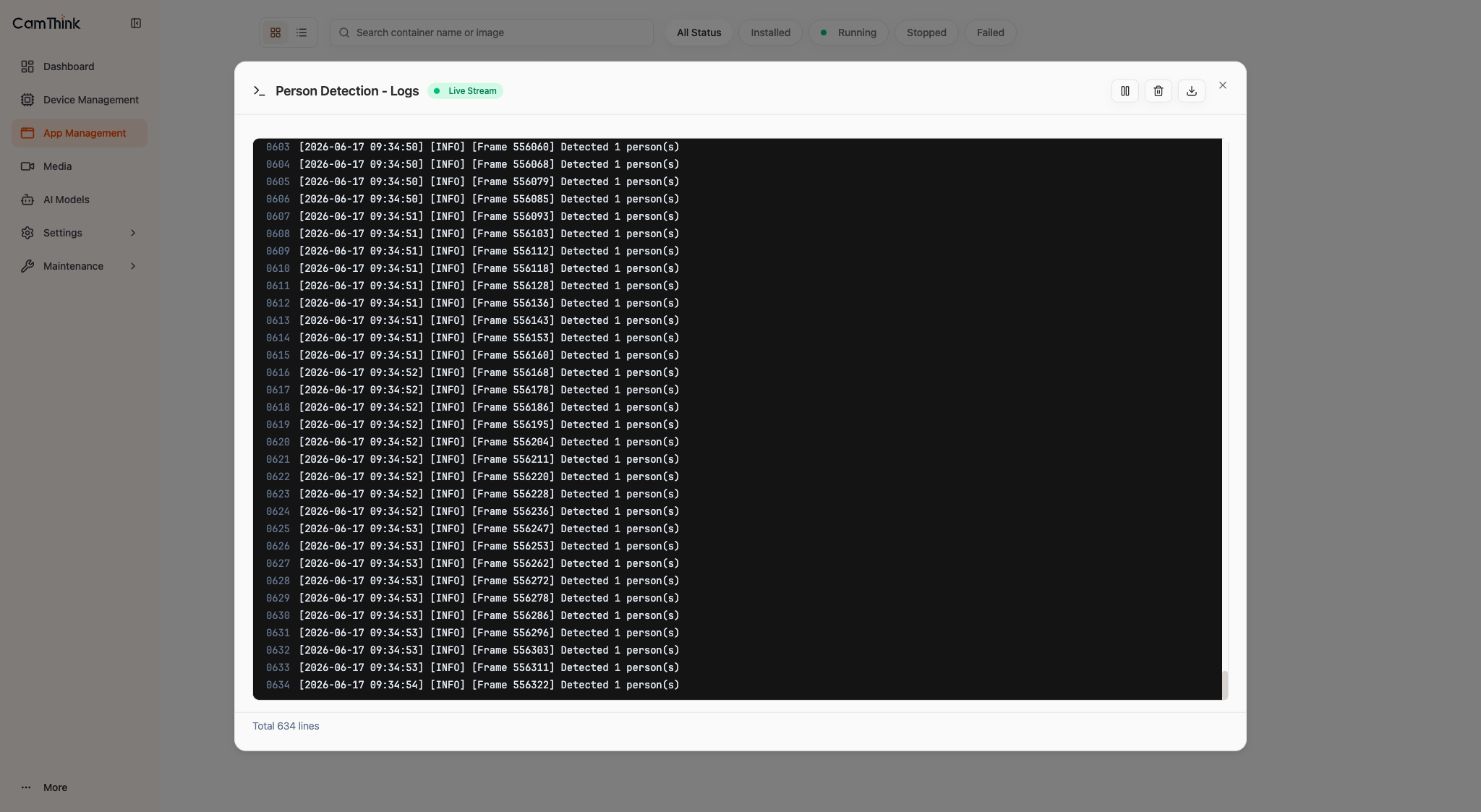
在应用详情页打开 Logs,或通过设备 API 拉取应用日志。至少应依次看到以下类型的记录:
Available models: [..., 'person-detection', ...]
Available video streams: [..., 'third', ...]
Subscribing to stream 'third' with model 'person-detection'
[OK] Received first inference result
Detected 1 person(s)
Statistics: frames=..., detections=..., avg_persons=...
没有第一帧结果时,检查 third.raw 和 person-detection 是否可用。
5.3 验证事件
在设备上订阅应用事件:
aipc-cli event subscribe 'app/person-detection/*'
收到 app/person-detection/detection 后,检查载荷中的:
person_count:当前帧的人数;objects[].confidence:人员置信度;objects[].bbox:归一化检测框;frame_sequence和timestamp_ns:帧和时间信息。
应用按 ALERT_COOLDOWN_SECONDS 发布 alerts/detection。白光联动需要对应硬件和权限。